I’ve been playing with AI image generation quite a lot……
You can tell an AI generated image when you see one. They have that obvious look with weird skin textures and oversaturated colors that scream “a computer made this”.
In July 2025 Black Forest Labs and Krea AI built this 12-billion parameter model specifically to solve that problem. Instead of training on millions of random images like other models they used fewer than a million carefully picked samples. Their goal was to focus on quality over quantity. It generates images with accurate skin textures, natural lighting, and dynamic compositions that lack the waxy, oversaturated appearance typical of AI generated images.
It gets an ELO rating of 1011, which matches the expensive closed-source models but you can use it without needing to spend a fortune.
In the steps below I will show you how to use the model on Hugging Face, using Claude……
I’m assuming you have a Claude account and know your way around the interface. You will also need a free Hugging Face account.
Once you have logged in, go your your settings page and select MCP from the left hand menu. In the Space Tools section at the bottom search for and add mcp-tools/FLUX.1-Krea-dev

Once that’s added move over to Claude where you will need to add the connection to Hugging Face.

Once that’s connected and autheitcaed you shoud now see Hugging Face appear in the prompt settings. Make sure you have the the model enabled or Claude won’t be able to use it.
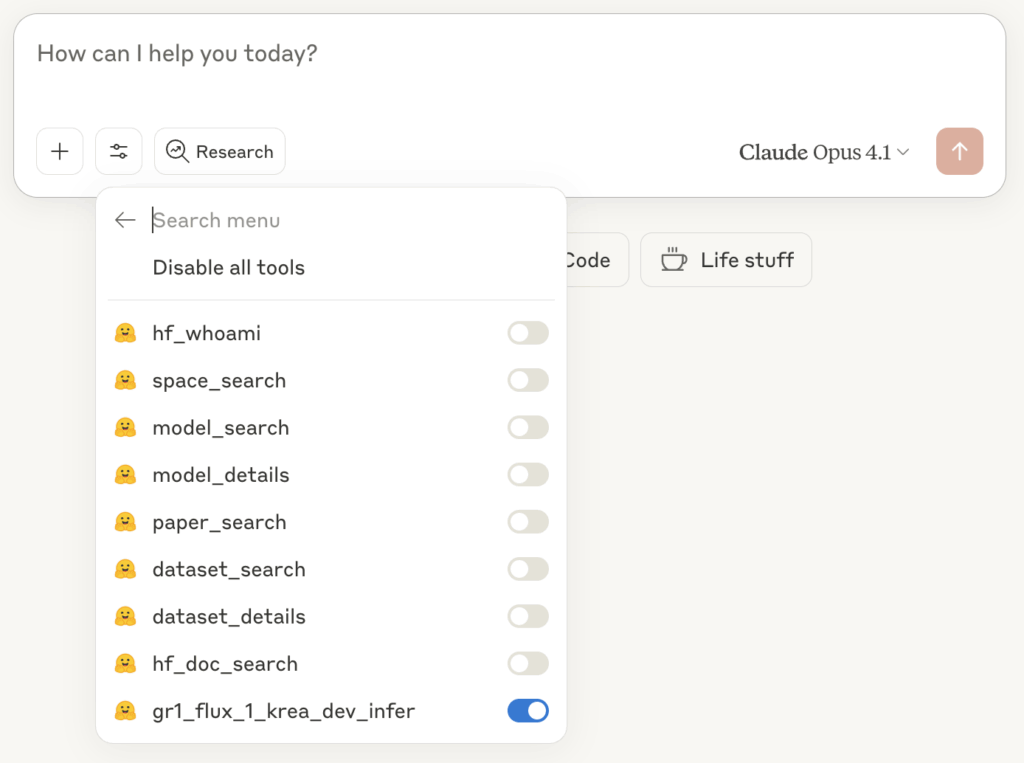
Now you shuold be able to write a prompt in Claude and have Flux.1 Krea generate the image. You will most likley get a permission prompt asking for permission to use the external service. Obviously click allow….
Claude is pretty smart at selecting the mode, but just to make sure include “Use Krea on Hugging Face” in your prompt.
Below are some prompts I tried and the images that were generated……
Example 1
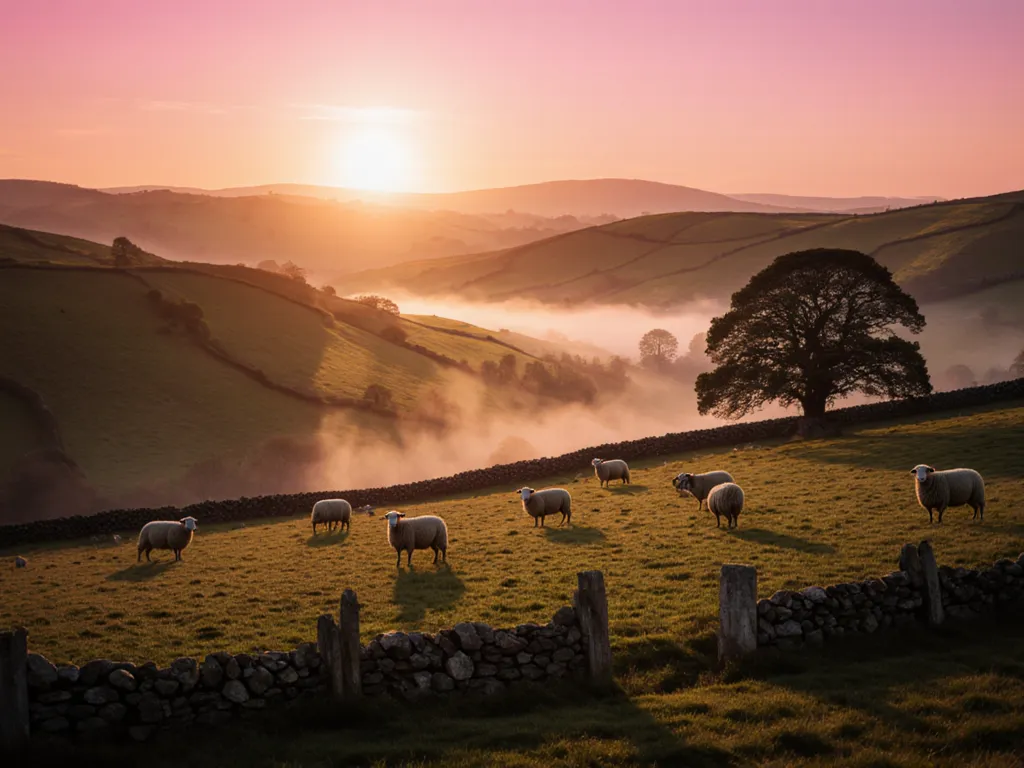
Prompt: Using Krea in Hugging Face generate sunrise photo of a rolling country landscape in the UK.
Example 2
This one is interestng as I provided a second prompt and Claude adapted the prompt it sent to Krea to adapt the image.
Prompt 1: Using Krea on Hugging Face, generate a 1980’s nostalgic New York sunset scene looking over the city showing cars and people walking in both directions.
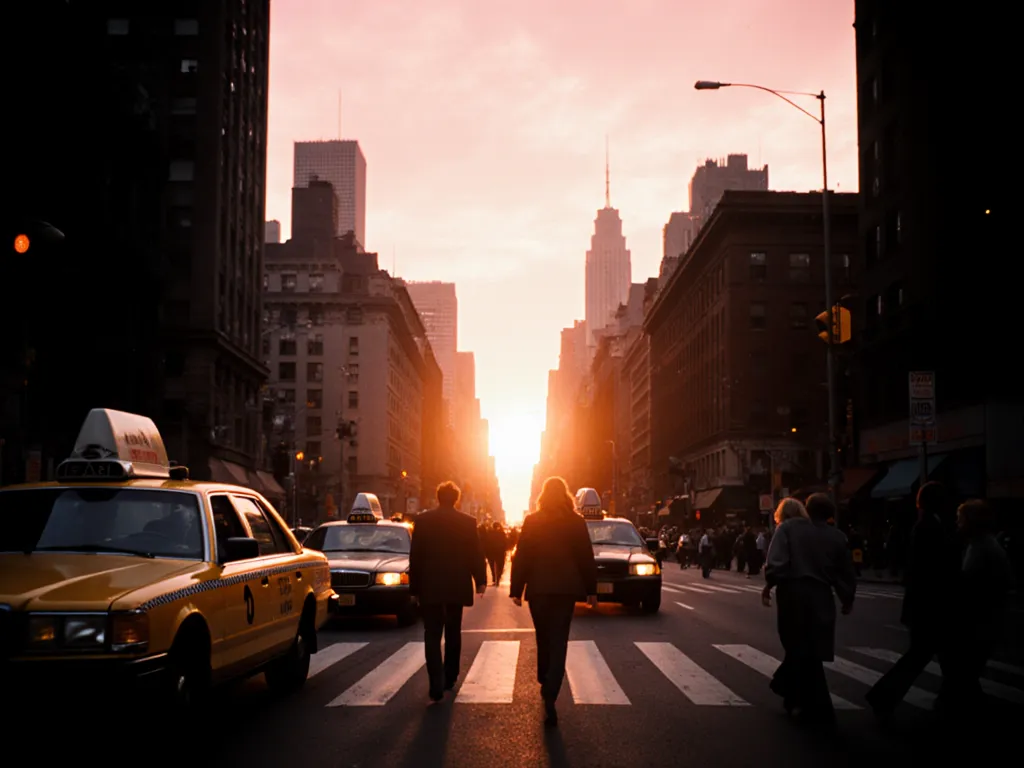
Prompt 2: Less people. Shot from the sidewalk, not the middle of the street. Make it more cinematic, like it was shot on an old 1980’s camera.
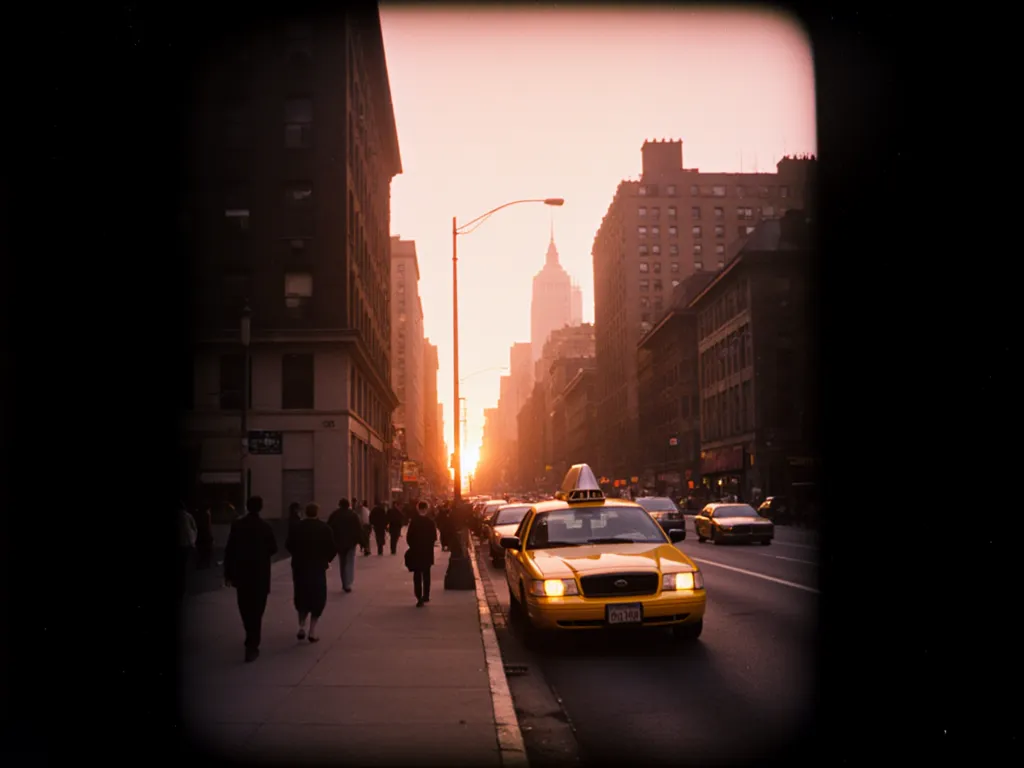
Example 3
Prompt: Using Krea on Hugging Face, generate a photo of a Porsche 911, 997 generation in Seal Grey. Show the car mid corner at speed on a countryside road.
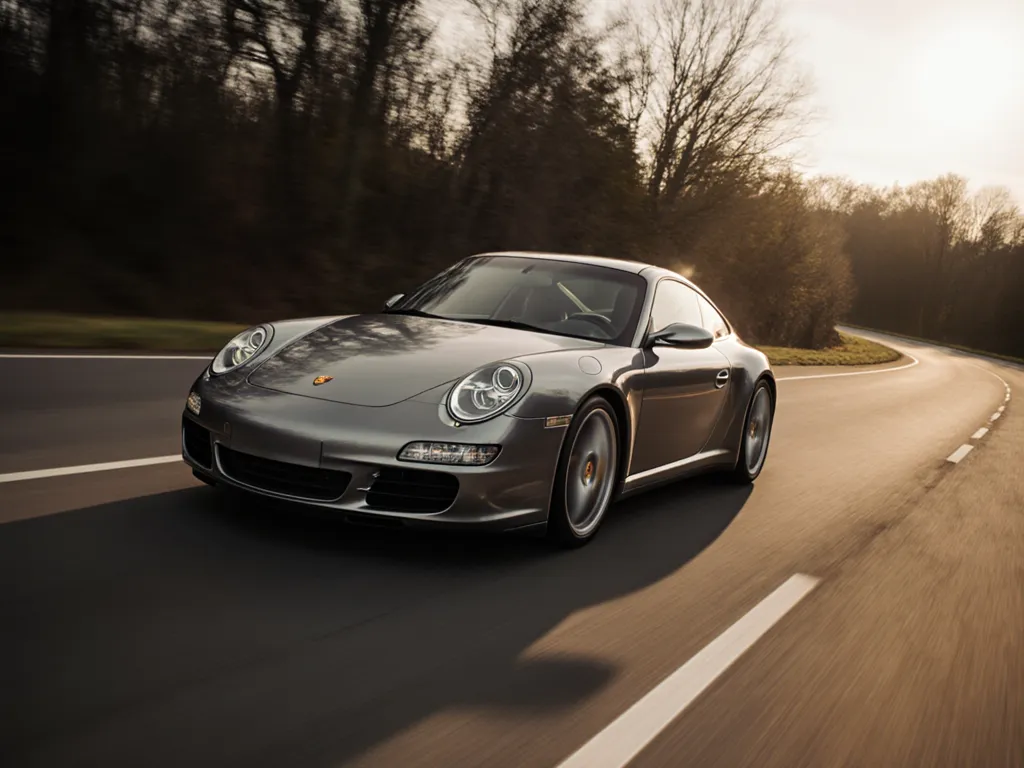
As you can see above, using some very basic prompts I was able to genreate some really good images. All for free. Are they perfect? No. Are they better than the output of lots of other models? Yes.
What I found really intersting was the way that Claude was helpful in adapting the prompt it send to the Krea model. You can have a real back and forth, itterative process of improvment untill you get the right image.
It’s also worth noting that I set this up in the Claude Mac app but I can also make use of it in the iOS app and Claude in the browser.